Draft a clear refund or replacement request for a damaged delivery.
See it The result
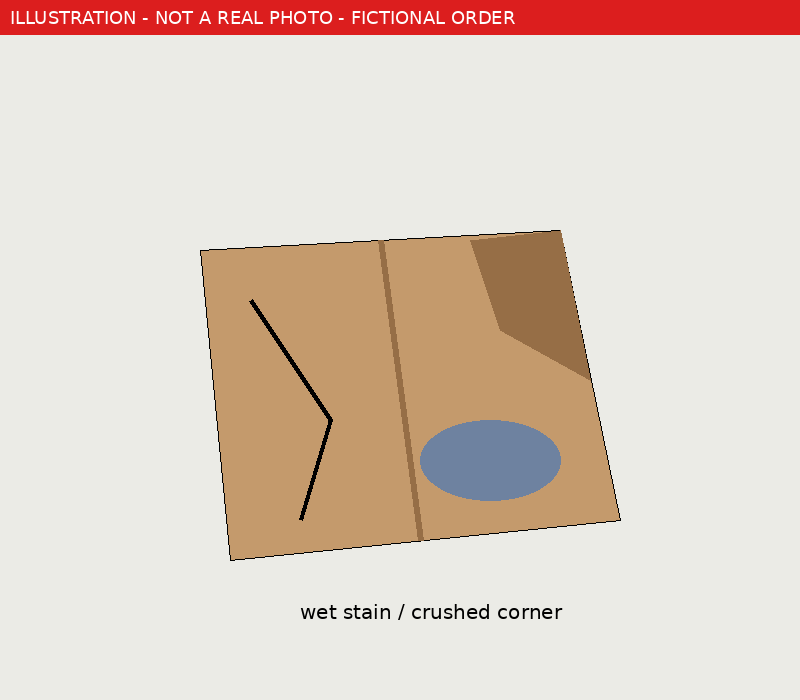
Test input, not an AI result. Our test input is a drawing of a crushed box, not a real photo. Real AI output: pending test.
2 steps Try it yourself
Copy The prompt
My order arrived damaged (photos attached). Item: [item], price: [price], delivered on: [date]. First, describe only what is visible in the photos. If only the packaging is damaged and you can't see damage to the item, say so and don't claim the item is broken. Then list what evidence I should keep, and draft a short, polite, firm request for a refund or replacement that I can paste into the shop's customer service form.
Stuck? Where to paste, and what to expect
Where to paste or upload
In the ChatGPT message box: tap + (or the paperclip), pick your photos, then paste the prompt and fill in the [brackets].
What success looks like
A factual description of the photos, a short list of evidence to keep (photos, box, label, delivery note), and a ready-to-paste message that matches what the photos show.
If it goes wrong
It describes damage you can't see? Reply: “Only describe what is visible.” Message too long or too angry? Ask for “under 100 words, calm tone”. Upload limit reached? Try again tomorrow or use one combined photo.
Heads up Limits & privacy
The AI drafts; you check and send. Describe only what you can see: if only the box is damaged, check the item before claiming it's broken. Refund rights differ by country and seller; this isn't legal advice. Never give a chatbot your shop password.
Privacy tips: what to remove from bills, CVs and photos first
Proof Test record
Test status: ⚠ Not yet tested
Our test input is a drawing of a crushed box, not a real photo. Real AI output: pending test. Not yet tested by us in this app. Instructions are based on the tool's documented features; a scripted test is queued (see the test record).
Read the full test record: exact prompt, inputs, raw output, failures and test code →
This didn't work for me
Tell us what happened. We'll re-test, fix the page, or mark it as broken, and note the date.